Contents
- 1 BISP 8171 Web Portal 2026: Check CNIC Status in 60 Seconds
- 1.1 What Is the BISP 8171 Web Portal?
- 1.2 Who Can Use the 8171 Portal?
- 1.3 How to Check Your BISP Status Online (Step by Step)
- 1.4 No Internet? Use the Free SMS Method
- 1.5 What Each Status Message Means: What to Do Next
- 1.6 8171 Portal Not Loading? 4 Fixes That Actually Work
- 1.7 What Changed in the BISP 8171 Portal in 2026?
- 1.8 Watch Out for Fake 8171 Websites
BISP 8171 Web Portal 2026: Check CNIC Status in 60 Seconds
Key Takeaways
- Official portal: 8171.bisp.gov.pk. Free, works 24/7.
- Enter 13-digit CNIC plus captcha. Result shows in seconds.
- No internet? Send CNIC to 8171 via SMS. Reply in 2 to 5 minutes.
- Portal is for checking only. Registration requires BISP Tehsil Office visit.
Your family needs this payment. You have been waiting for days. You sent the SMS. You heard from a neighbor that the portal shows your name. But when you open it. It does not load, or the captcha does not work, or you get a message you do not understand.
You are not alone. Millions of families across Pakistan check the BISP 8171 Web Portal every month and face the same confusion. step by step. so you can stop guessing and begin receiving answers.
Not sure if your family is even eligible? Keep reading. The checklist below tells you in 30 seconds.
What Is the BISP 8171 Web Portal?
The BISP 8171 Web Portal is the official online system of the Benazir Income Support Programme. It lets families check whether they qualify for BISP payments and see their current payment status. without visiting any office.
- Website address: 8171.bisp.gov.pk
- Run by: Government of Pakistan, BISP division
- Purpose: Eligibility check and payment status only
- Registration: Not possible on this portal. Only done at BISP Tehsil Offices.
In simple words: The 8171 portal is like a window into the government database. You enter your CNIC. The system checks your record. It tells you if you are eligible, how much payment is ready, and whether it has been sent.
- Connected to: BISP database + NSER survey records + NADRA CNIC database
- Works on: Any basic Android phone, 3G or 4G
- Cost: Free. Always free. No fee of any kind.
- Open 8171.bisp.gov.pk on your phone
- Enter your 13-digit CNIC number
- Solve the captcha code shown on screen
- Press submit. Your status appears in seconds.
Now that you’re aware of what the portal is.Let us check if your family can use it.
Who Can Use the 8171 Portal?
Any Pakistani family registered in the BISP or Ehsaas Kafalat program can check their status on the 8171 Web Portal. You need one thing only: your 13-digit CNIC number from NADRA.
| CAN Use Portal | CANNOT Use Portal |
|---|---|
| Registered BISP families | New applicants (register at office) |
| Ehsaas Kafalat beneficiaries | Families with expired CNIC |
| Anyone with valid 13-digit CNIC | Families not in NSER survey |
💡 Did you know? In 2026, BISP added over 700,000 new families to the program after the NSER Dynamic Survey. If you gave the survey but never received a reply. Check the portal now. Your name may already be there.
Eligibility is decided by your Poverty Means Test (PMT) score. Families with a PMT score below 32 receive the full payment. Widows and disabled persons qualify up to PMT 37.
How to Check Your BISP Status Online (Step by Step)
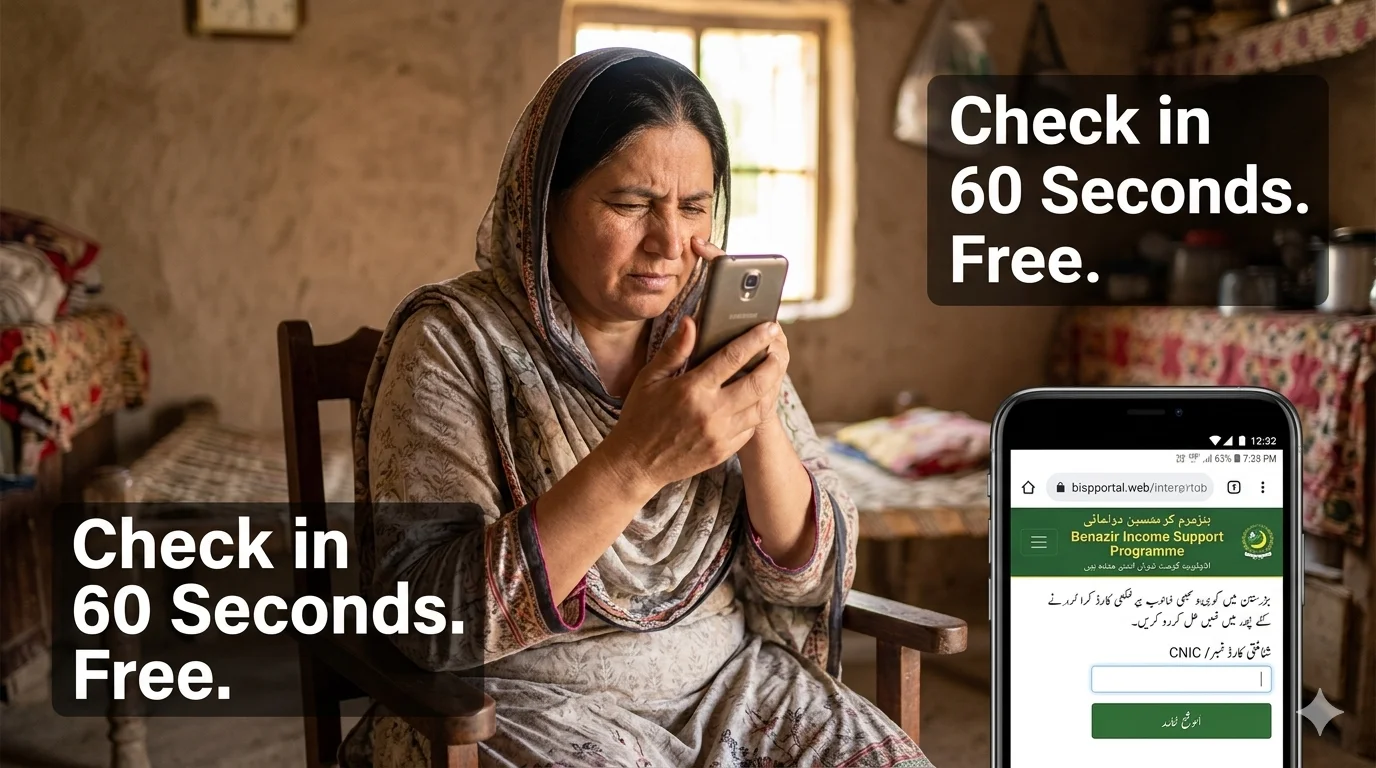
Checking your status on the BISP 8171 Web Portal takes less than 60 seconds. You do not need an account. You don’t have to log in. Just your CNIC is enough.
- Open this link: 8171.bisp.gov.pk . this is the only official portal
- Enter your CNIC: Type all 13 digits without dashes or spaces
- Solve the captcha: Type the letters or numbers shown in the image
- Press submit: Click the check button
- Read your result: Your status appears on screen within seconds
⚠️ Important: If the captcha does not load. Do not try a different website. The portal is sometimes slow during peak hours (10am to 2pm). Try early morning before 9am or after 9pm. See the fix guide below.
For a complete guide on what to do when your payment stops or your name disappears, read our [BISP Re-Verification Required Fix Guide].

No Internet? Use the Free SMS Method
If you do not have internet or the portal is not loading, use the SMS method. It works on every network in Pakistan . Jazz, Zong, Telenor, Ufone, Warid.
- Open the SMS app on your phone
- Type your 13-digit CNIC number only. No dashes. No spaces.
- Send to: 8171
- Wait 2 to 5 minutes. An official reply will arrive from 8171.
The reply will show your eligibility status and whether a payment is ready for you.
| Method | What You Need | Time |
|---|---|---|
| Portal (online) | Internet + CNIC | 60 seconds |
| Text SMS to 8171 | Any mobile number + CNIC | It takes about 2 to 5 minutes |
⚠️ SMS tip for rural areas: In weak signal areas, your message may take longer to send. Relocate to a spacious area or close to a window. Do not resend multiple times. One message is enough.
Now that you know how to check. The following section is the most crucial. What does your result actually mean?
What Each Status Message Means: What to Do Next
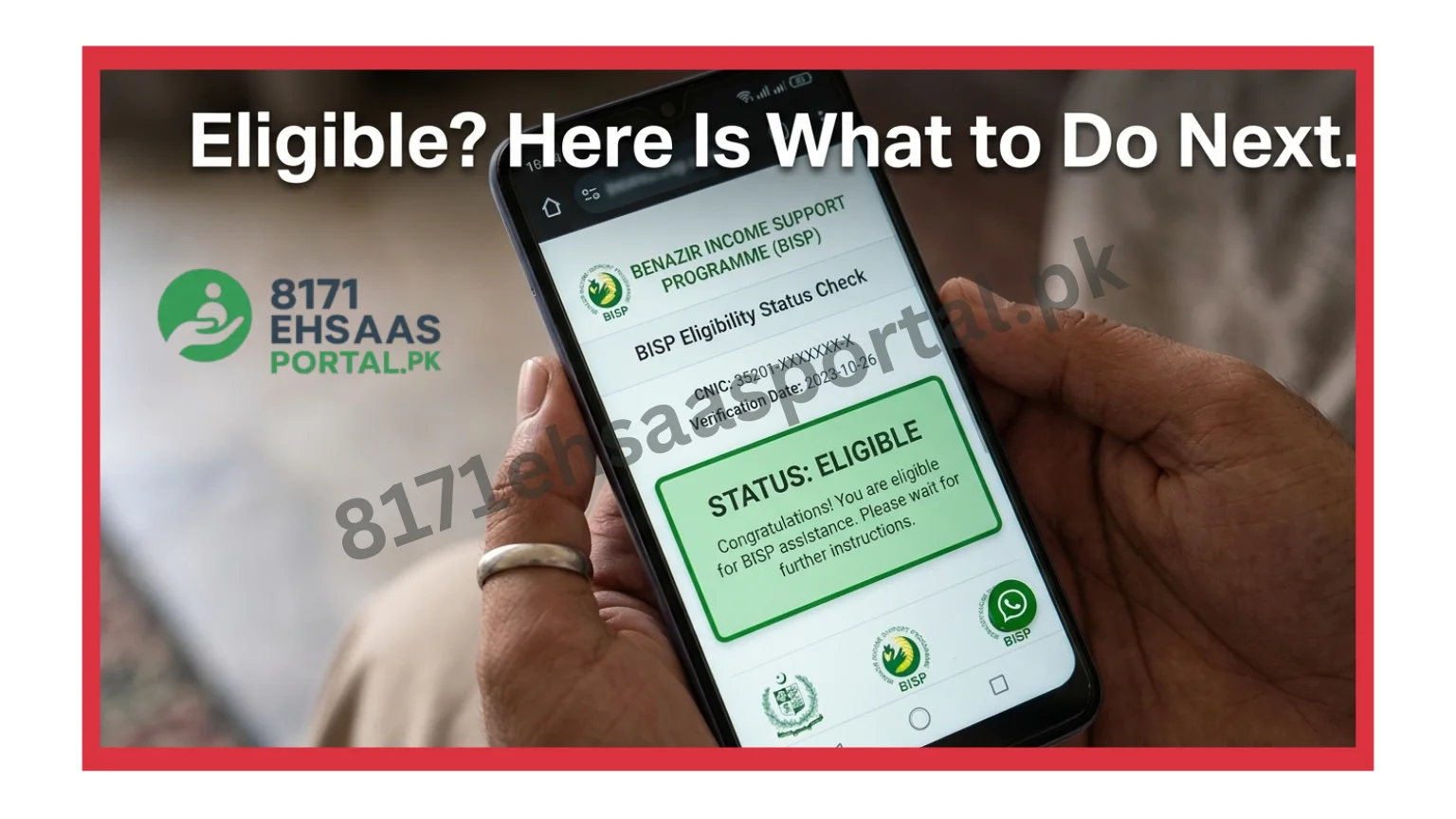
Most people check their status and see a message but do not know what to do next. This section explains every status message you might see on the BISP 8171 Web Portal and gives you the exact next step for each one.
| Status Message | What It Means | What to Do |
|---|---|---|
| Eligible | Your family qualifies. Payment is approved. | Go to your nearest payment center with the original CNIC. Biometrics required. |
| Payment in Process | The installment is being prepared. Not released yet. | Check again after 3 to 5 days. Do not visit the office yet. |
| Payment Disbursed | Money has been sent to your account or wallet. | Go collect from HBL Konnect, Bank Alfalah, or a BISP payment point. Bring CNIC. |
| Not Eligible | Survey data or PMT score does not meet the threshold. | Visit the BISP Tehsil Office. Ask to review your NSER survey data. |
| Re-Verification Required | Your data needs to be confirmed at an office. | Visit the BISP Tehsil Office with the original CNIC. Bring the confirmation slip. |
| No Record Found | CNIC not in system. Likely a typing error or not registered. | Check CNIC digits again. If correct, visit the office for the NSER survey. |
If you see “Re-Verification Required,” do not panic. Read our [8171 Re-Verification Required Fix Guide] for a 3-step solution that takes one office visit.
8171 Portal Not Loading? 4 Fixes That Actually Work
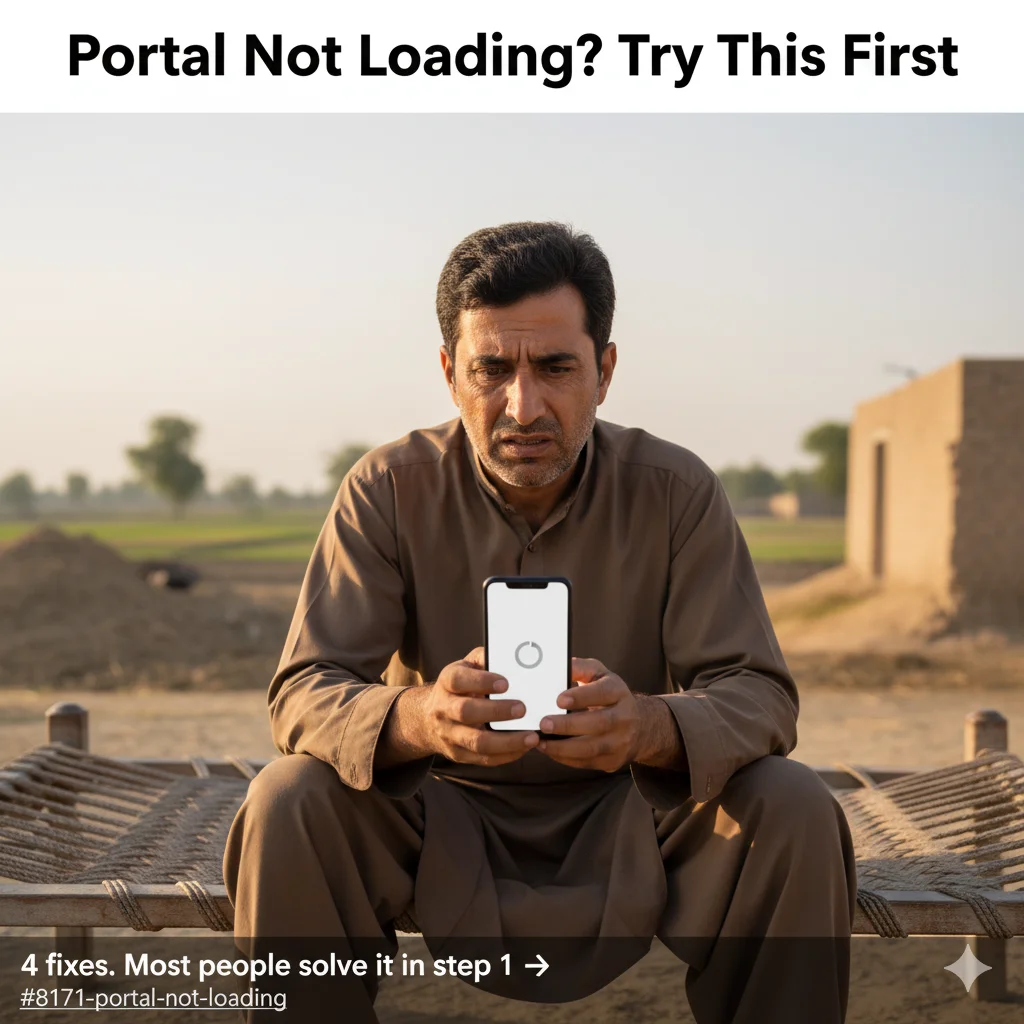
If the 8171 Web Portal is not opening on your phone, try these 4 fixes in order. Most people fix it within the first two steps.
Fix 1: Check the time.
The portal gets very heavy traffic from 10am to 2pm. Over a million users check at the same time. Try before 9am or after 9pm. The portal loads much faster at those hours.
Fix 2: Reload the captcha.
The captcha image sometimes does not load on slow connections. Do not refresh the whole page. Look for a small refresh icon next to the captcha image and click that only. The new image loads in seconds.
Fix 3: Clear your browser cache.
Old saved files in your phone’s browser can block the portal. In Chrome: tap the 3 dots at the top right. Go to Settings. Clear browsing data. Then open the portal again.
Fix 4: Use the backup portal.
If 8171.bisp.gov.pk is completely down, try the backup address: 8171validation.bisp.gov.pk. This is also the official BISP link. It shows the same information.
💡 Tip: If none of these work. Just use the free SMS method. Send your CNIC to 8171 and get your answer in 2 to 5 minutes. No internet needed.
For the complete guide on what to do when payment stops or biometrics fail, check out our [BISP Rs.13,500 vs Rs.14,500 Difference Guide].
What Changed in the BISP 8171 Portal in 2026?
The government made 3 real changes to the BISP 8171 Web Portal in 2026. Here is what was different before. and what is different now.

Change 1: Payment amount increased.
Before 2026: Eligible families received Rs.13,500 per quarter.
In 2026: The base amount remains Rs.13,500, but a special Ramzan top-up of Rs.1,000 was added for the quarter. Total for Ramzan quarter: Rs.14,500.
Change 2: Portal speed improved.
Before 2026: Portal was often down during payment cycles.
In 2026: BISP upgraded servers for faster CNIC verification. Results now appear within seconds instead of minutes.
Change 3: 700,000 new families added.
Before 2026: Families excluded from NSER could not register online.
In 2026: After the NSER Dynamic Survey, over 700,000 new families were added to the database. Their status now shows on the portal for the first time.
⚡ If the government changes the amount or eligibility rules, this article will be updated within 48 hours. Bookmark this page now.
Watch Out for Fake 8171 Websites
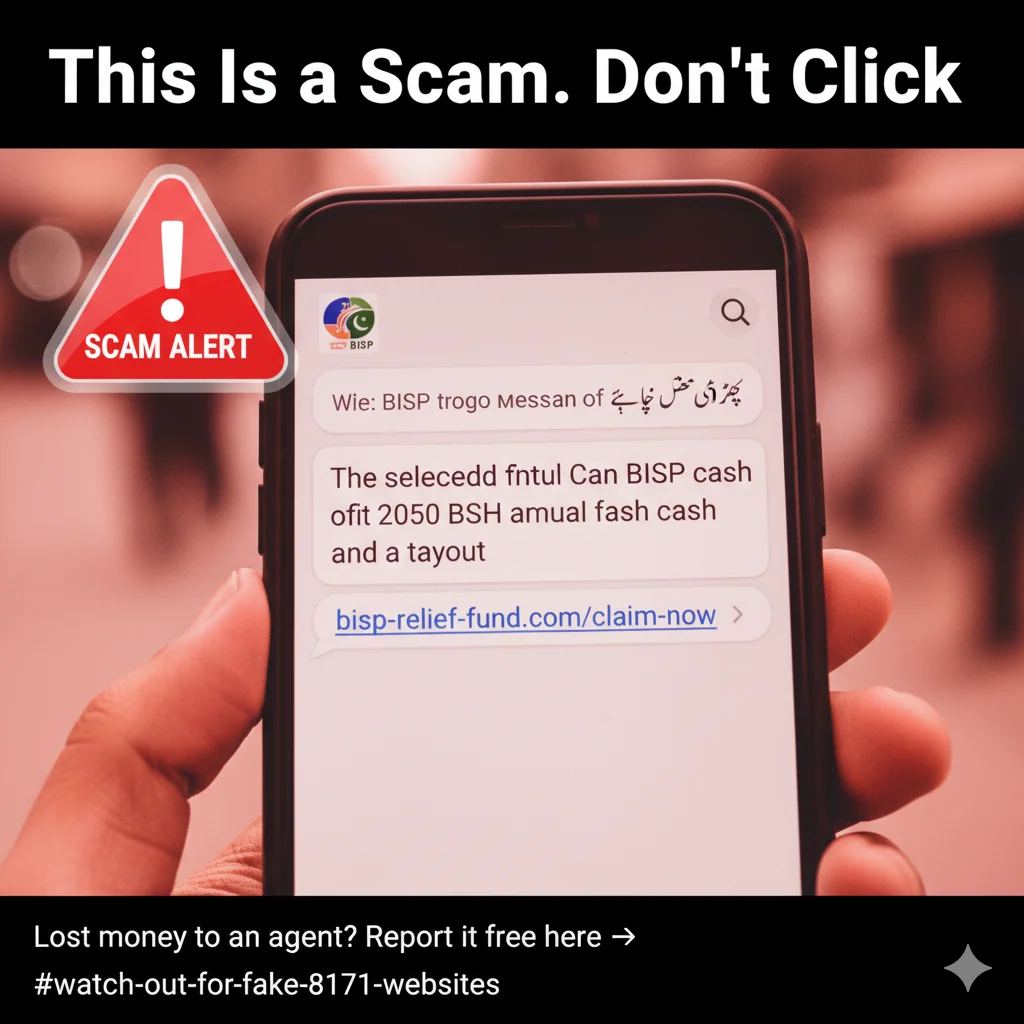
Every time BISP payments are released, fake websites appear. They copy the look of the real portal and steal your CNIC information. Some even charge fees to “register” you, which is completely wrong.
⚠️ Red flags to watch for:
- Any website that asks for money to check or register
- WhatsApp messages with a “new” BISP portal link
- Links that do NOT end in .gov.pk
- Anyone claiming to get you added to BISP for a fee
- Facebook pages or YouTube channels sharing “new portal” links
Only two official links exist:
- Main portal: 8171.bisp.gov.pk
- Backup portal: 8171validation.bisp.gov.pk
If you or someone you know was scammed, report it to FIA Cybercrime: 9911. The call is free.

Check Your Status Right Now: 3 Steps
- Open the portal: 8171.bisp.gov.pk
- No internet? Send SMS: Your CNIC number to 8171
- Need help? Call BISP helpline: 0800-26477 (free, all networks, 24/7)
✅ Frequently Asked Questions — BISP 8171 Web Portal 2026
What is the official link for the 8171 BISP web portal?
The only official link is 8171.bisp.gov.pk. Backup link: 8171validation.bisp.gov.pk. Both are free. Both are safe. Never use any other website.
Can I register for BISP through the 8171 portal?
No. The portal is for checking only. New registration requires visiting your nearest BISP Tehsil Office and completing the NSER Dynamic Survey. Bring your original CNIC.
What is the BISP payment amount in 2026?
Standard quarterly amount: Rs.13,500. With Ramzan 2026 top-up: Rs.14,500. Payments come every 3 months. Widows and disabled persons with PMT up to 37 also qualify.
Why does the 8171 portal show not eligible?
Your PMT score may be above the threshold, your NSER survey may be incomplete, or your CNIC details may not match NADRA records. Visit your nearest BISP Tehsil Office with original CNIC to request a data review.
How long does the SMS reply from 8171 take?
City areas: 2 to 5 minutes. Rural areas: up to 15 minutes. Send CNIC number only — no dashes, no spaces. Do not send multiple times. One message is enough.
What does “Payment in Process” mean on 8171?
Your payment is approved but not released yet. Check again after 3 to 5 days. No need to visit office. When money is ready, the status will change to “Payment Disbursed.”
The 8171 portal is not loading on my phone. What should I do?
Try before 9am or after 9pm (lower traffic). Refresh the captcha only, not the full page. Clear your browser cache. Try backup portal: 8171validation.bisp.gov.pk. If nothing works, send your CNIC to 8171 by SMS.
I am a dedicated SEO content expert and social welfare specialist with years of experience tracking Pakistan’s key programs like BISP and Ehsaas. My mission at 8171ehsaasportal.pk is to provide people with verified facts and honest guidance. I always strive to simplify government updates, registration processes, and payment tracking, making it easy for every common man to access their rights without any difficulty.